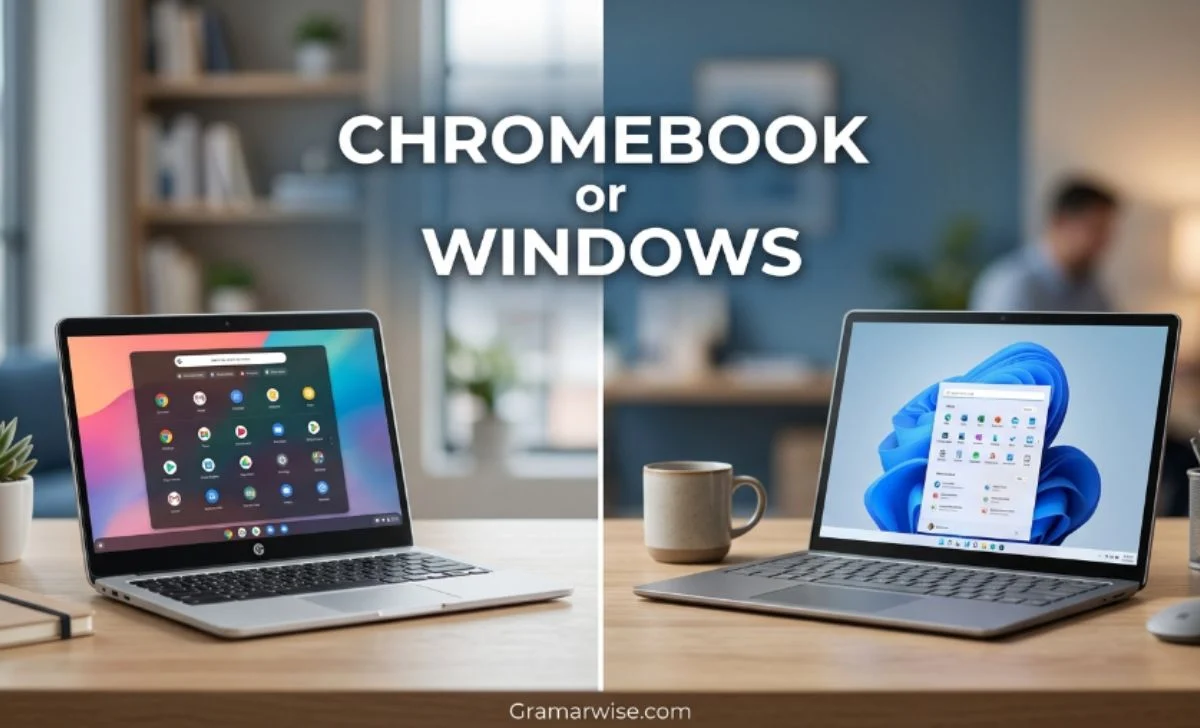
Buying a laptop should not start with a brand name. It should start with one simple question: What do you actually need to do on it?
If your day is mostly browsing, studying, writing, email, and online tools, a Chromebook can be a smart and simple choice.
If you need powerful desktop software, gaming, advanced editing, or wider program support, a Windows 11 laptop is usually the safer option.
The good news is that both have improved. Chromebooks are no longer limited to very basic schoolwork, while modern Windows laptops can be affordable enough for everyday users.
The right choice depends on your software, workload, budget, and how much freedom you want from your computer.
Quick Answer
For web browsing, students, Google Workspace, email, streaming, and simple everyday work, a Chromebook is often enough.
For gaming, professional applications, advanced Microsoft Office work, creative software, programming tools, and maximum compatibility, Windows 11 is usually better.
So, there is no universal winner. Your everyday tasks should decide the purchase.
| Need | Better choice |
|---|---|
| Schoolwork | Chromebook |
| Web browsing | Chromebook |
| Google Workspace | Chromebook |
| Basic office work | Chromebook |
| Gaming | Windows 11 |
| Professional software | Windows 11 |
| Advanced editing | Windows 11 |
| Maximum compatibility | Windows 11 |
| Simple everyday use | Chromebook |
Chromebook vs Windows 11: What Is the Real Difference?
The main difference is the operating system.
A Chromebook runs ChromeOS, which is built around the web, browser-based services, cloud storage, and a simple user experience. A Windows laptop runs Windows 11, a full desktop operating system designed to support a much broader range of traditional programs and hardware.
That difference matters more than the laptop’s logo.
If you spend most of your time in Chrome, Google Docs, Gmail, YouTube, Google Drive, and online services, ChromeOS can feel fast and straightforward. You do not need a large collection of desktop programs to get work done.
Windows 11 gives you more freedom when software becomes demanding. You can install traditional desktop applications, use a wider range of accessories, and choose from many hardware configurations.
In simple terms, ChromeOS focuses on simplicity, while Windows focuses on flexibility.
Chromebook or Windows for Work?
For work, think about your applications rather than the operating system.
A person who writes in Google Docs, manages websites through a browser, answers email, joins online meetings, and uses cloud-based business tools may have little reason to buy an expensive Windows machine.
However, some jobs depend on desktop software. Professional accounting tools, advanced editing programs, development environments, engineering applications, and certain business systems may require Windows.
Microsoft supports Word, Excel, PowerPoint, OneDrive, Outlook, and other Microsoft 365 services through the web on Chromebooks. However, the normal Windows and Mac desktop versions of Microsoft 365 cannot be installed on ChromeOS.
That creates an important dividing line:
If your work is browser-based, a Chromebook may be ideal. If your work depends on Windows software, choose Windows 11.
Chromebook or Windows for Students?
For many students, a Chromebook is a practical option.
Research, online classes, Google Classroom, documents, presentations, email, PDFs, and video meetings are common student tasks.
ChromeOS handles these activities well, which is one reason the platform remains active in education.
Google was still releasing new ChromeOS classroom features in January 2026, including tools for collaboration and AI-assisted learning on Chromebook Plus devices.
However, not every student has the same requirements.
A university student studying engineering, architecture, computer science, graphic design, or another software-heavy subject may need programs that work better on Windows.
Before buying a machine for college, check your course requirements. A Chromebook is excellent when the required software runs on it; otherwise, Windows is the safer investment.
What Is the Downside of a Chromebook?
The biggest limitation is software compatibility.
A Chromebook can do a lot through web applications, Android apps on supported devices, and other ChromeOS tools. Still, it does not provide the same desktop software environment as Windows.
You may have trouble if you need a specific Windows-only application, advanced professional software, certain games, or specialist hardware.
Storage can also be a consideration. Many models are designed around cloud storage rather than huge internal drives. That is convenient if you use services such as Google Drive, but less convenient if you keep large amounts of video, software, or other files locally.
There is also the update period. Google says Chromebooks receive up to 10 years of automatic updates, although the exact date depends on the model.
For this reason, checking the device’s Automatic Update Expiration (AUE) date is important when buying an older or used model.
Why Don’t Some People Like Chromebooks?
The main reason is not that they are poor computers. It is that some users expect them to behave like Windows PCs.
A Windows user may want to install any desktop application, play demanding PC games, connect unusual hardware, or customize the system extensively. ChromeOS does not offer the same level of desktop compatibility.
That can make a Chromebook feel restrictive.
For someone who only needs a browser and online applications, however, those limitations may never become a problem. In fact, the simpler environment can be an advantage.
So the real question is not “Are Chromebooks good?” It is “Are they good for my workload?”
What Cannot Be Done on a Chromebook?
A Chromebook cannot normally run Windows desktop programs in the same way as a Windows computer.
For example, you cannot simply download a Windows .exe program and expect it to work like it would on Windows 11.
Some services have web versions, while others offer ChromeOS-compatible alternatives. That works well for common tasks, but specialized software can still be a deal-breaker.
This is why people who depend on professional applications should check compatibility before buying.
For everyday browsing and cloud work, the limitation may never matter. For specialized work, it can become the deciding factor.
Can I Get Word and Excel on a Chromebook?
Yes, but there is an important difference.
You can use Word and Excel through Microsoft 365 on the web. Microsoft specifically provides access to its Microsoft 365 services for Chromebook users.
However, the full desktop versions designed for Windows or Mac are not installed on ChromeOS.
For writing documents, editing spreadsheets, viewing presentations, and handling normal office tasks, the web versions can be enough.
If your work depends on advanced desktop features, add-ins, or other Windows-specific functionality, a Windows laptop is a better choice.
Chromebook vs Laptop: Which Is Better?
A Chromebook is already a laptop.
So when someone asks, “Chromebook vs laptop,” they usually mean Chromebook vs Windows laptop.
The important thing is that a laptop’s quality does not come from its operating system alone. A powerful Chromebook can provide a better experience than a poorly configured Windows laptop for web-based work.
Likewise, a good Windows 11 laptop can easily outperform a basic Chromebook when the workload involves demanding software.
Look at the whole device:
- Processor
- RAM
- Storage
- Display
- Battery
- Keyboard
- Ports
- Build quality
- Software compatibility
The operating system should be chosen according to the programs you need.
Is Lenovo a Chromebook or Windows?
Lenovo makes both.
Some Lenovo computers run ChromeOS, while others run Windows 11. The Lenovo name does not tell you which operating system a particular model uses.
For example, Lenovo offers Chromebook models as well as Windows laptops. Therefore, always check the exact model and its listed operating system before buying.
This is especially important when shopping online because two laptops can look very similar while offering completely different software environments.
Does a Chromebook Have Windows 10?
No. A normal Chromebook runs ChromeOS, not Windows 10.
More importantly, Windows 10 is no longer the main Windows option to consider in 2026. Microsoft ended support for Windows 10 on October 14, 2025. Microsoft recommends moving compatible devices to Windows 11 or replacing unsupported hardware.
So if you are comparing the two today, the useful comparison is ChromeOS vs Windows 11.
Are Chromebooks Worth Buying in 2026?
Yes, if ChromeOS matches your needs.
Chromebooks remain an active platform in 2026, and Google continues to develop ChromeOS and Chromebook Plus devices. Google also continues to provide long-term updates for supported models.
A Chromebook is worth considering if you want a machine for:
- Browsing
- School
- Documents
- Streaming
- Online meetings
- Cloud-based work
It is less suitable when you need demanding desktop programs or high-end gaming.
One buying tip matters more than many people realize: check the update expiration date before purchasing an older Chromebook.
Google provides a device-specific update schedule so buyers can see how long official updates will continue.
Are Chromebooks End of Life?
No. Chromebooks as a platform are not end of life.
The confusion often comes from individual models reaching their final update date.
When a particular Chromebook reaches the end of its official update period, it stops receiving new ChromeOS and browser updates. That does not mean every Chromebook has reached the same point.
In fact, Google’s current support policy provides up to 10 years of automatic updates for supported Chromebook platforms.
Therefore, check the model rather than judging the entire category.
Why Are Schools Getting Rid of Chromebooks?
It is misleading to say that schools everywhere are getting rid of them.
Schools may replace devices because they are old, no longer receive updates, need different software, or no longer fit the school’s technology plan.
At the same time, ChromeOS continues to receive education-focused development. Google announced new classroom collaboration features for ChromeOS in 2026, showing that the platform remains part of its education strategy.
So when a school switches devices, it does not automatically mean Chromebooks are disappearing. It may simply be a local decision based on cost, software, management, or hardware requirements.
What Is Replacing Chromebooks?
There is no single replacement.
Some organizations may move to Windows 11 laptops. Others may purchase newer Chromebooks or Chromebook Plus models. Older compatible computers can also be converted to ChromeOS Flex.
The choice depends on what the organization needs.
For schools and businesses that mainly use web applications, ChromeOS can still make sense. For organizations that depend on traditional desktop software, Windows may be a better fit.
Can You Do Banking on a Chromebook?
Yes.
Online banking normally works through a modern web browser, so there is no general reason you cannot manage your bank account from a Chromebook.
The usual security rules still apply. Use the official banking website, avoid suspicious links, use strong account protection, and keep the operating system updated.
ChromeOS automatically manages supported updates and security improvements.
Do Chromebooks Need Antivirus Software?
For most users, a traditional third-party antivirus program is not necessary.
ChromeOS includes built-in security features and automatic updates. Google says supported devices automatically receive updates that include security improvements.
That does not mean you can ignore online safety. Strong passwords, multi-factor authentication, safe browsing, and regular updates are still important.
The biggest security mistake would be using an old device that has already reached its official update limit.
Which Should You Buy?
Choose a Chromebook when your computer life is mostly online. It is a strong fit for students, writers, casual users, remote workers, and anyone who mainly uses browser-based applications.
Choose Windows 11 when you need more freedom. It is the better option for gaming, professional software, advanced editing, specialist applications, and users who do not want to worry about whether a particular program will work.
The simplest test is this:
Make a list of the five programs you use most.
If they all work well on ChromeOS, you probably do not need Windows. If one essential program requires Windows, buying a Windows 11 laptop is usually the safer decision.
FAQs
1. Are Chromebooks better than Windows?
They are better for simple web-based work and many student tasks. Windows 11 is better for demanding software, gaming, and broader compatibility.
2. What is the downside of a Chromebook?
The biggest downside is limited compatibility with some traditional Windows desktop programs.
3. Why don’t people like Chromebooks?
Some users find them restrictive because they cannot run every Windows application. That limitation is less important for people who mainly work online.
4. Are Chromebooks worth buying in 2026?
Yes, provided the device supports your applications and has a suitable remaining update period.
5. Can I get Word and Excel on a Chromebook?
Yes. You can use Word and Excel through Microsoft 365 on the web, but the full Windows desktop versions are not installed on ChromeOS.
6. Can you do banking on a Chromebook?
Yes. Online banking generally works through the browser, just as it does on other modern computers.
7. Are Chromebooks end of life?
No. The platform is still supported. Individual devices eventually reach their final update date, so check the specific model.
8. What cannot be done on a Chromebook?
You cannot normally install and run Windows desktop applications in the same way as you would on Windows 11.
9. Does a Chromebook have Windows 10?
No. Chromebooks normally run ChromeOS. Windows 10 itself reached end of support on October 14, 2025.
10. Do Chromebooks need antivirus software?
Most users do not need traditional third-party antivirus software because ChromeOS provides built-in security features and automatic updates.
Final Verdict
Chromebooks are not simply cheaper versions of Windows laptops. They are built around a different way of using a computer.
For web-based work, education, email, documents, streaming, and everyday browsing, a Chromebook can be fast, simple, secure, and more than capable.
For gaming, professional applications, advanced creative work, and broad software compatibility, Windows 11 remains the stronger choice.
So, which is better? The answer depends on you.
If simplicity is your priority, choose a Chromebook. If flexibility is more important, choose Windows 11. In 2026, both remain useful choices, the smarter purchase is the one that runs the software you actually need.